
Automotive Photo Editing
Every car on the lot, shot the same way. Photograph it wherever it stands and get back a consistent set — same light, same backdrop, listing after listing.
Create in the browser · One credit balance across every model
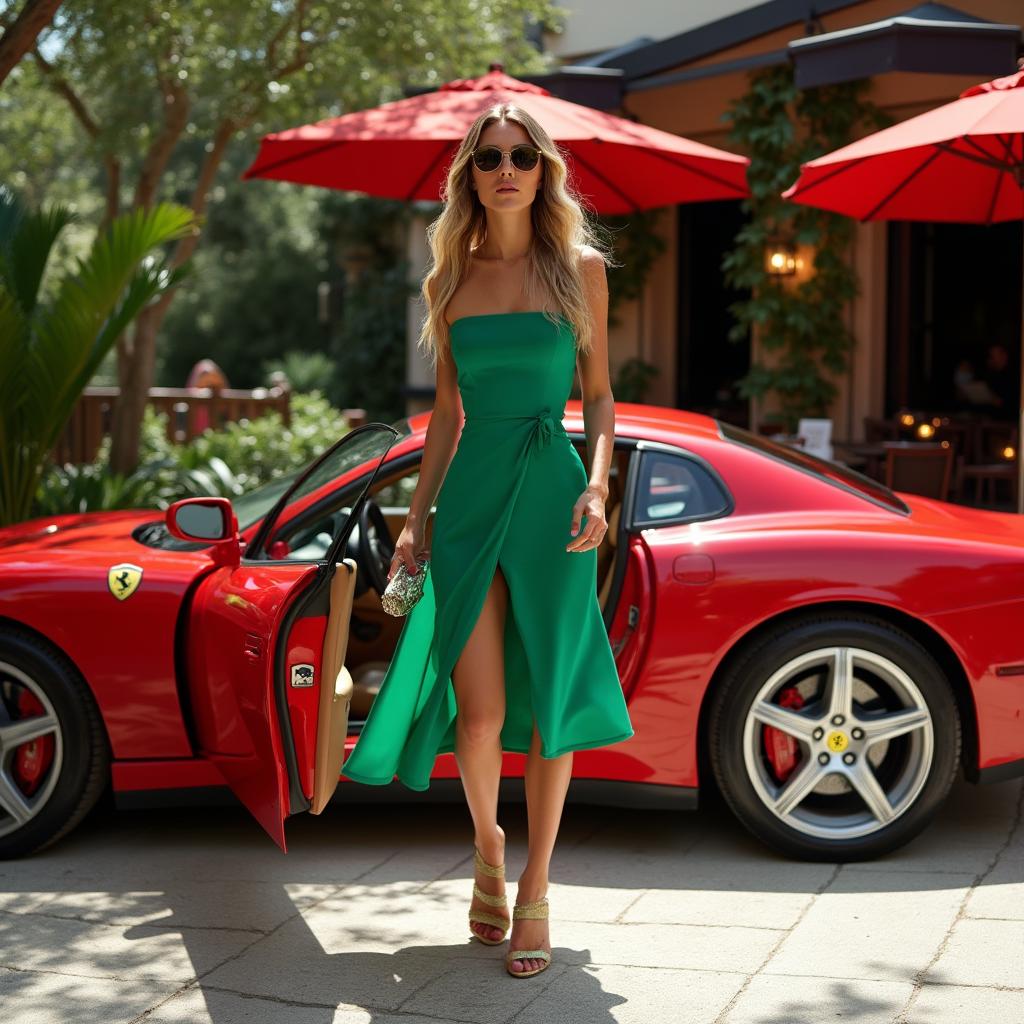
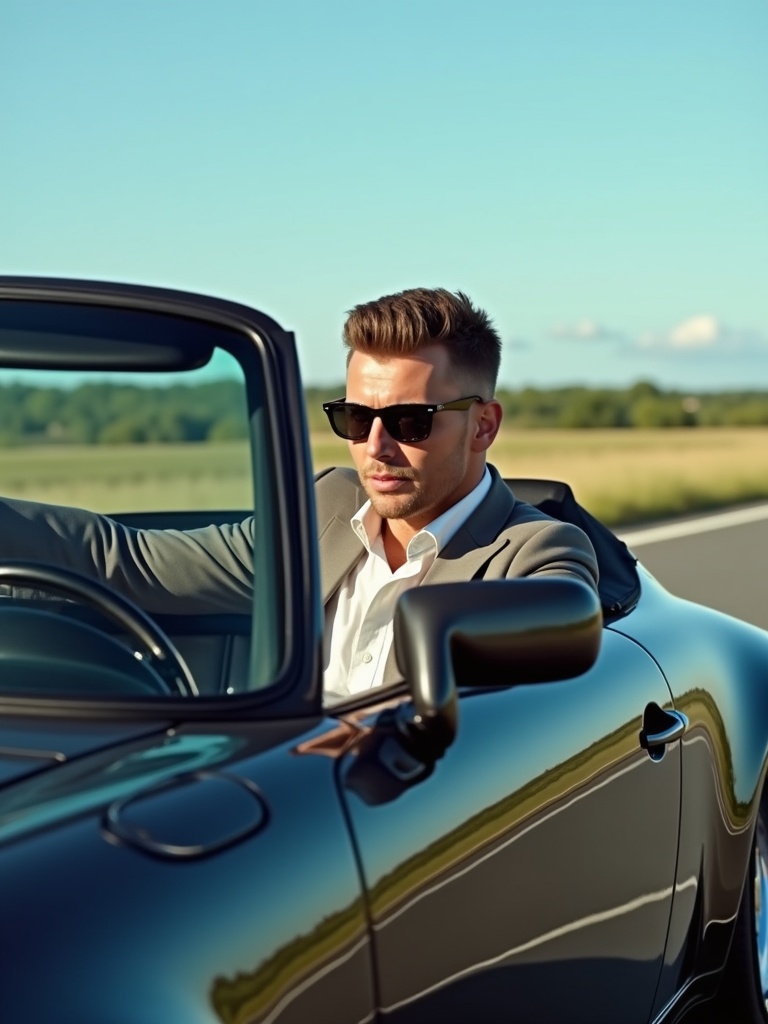
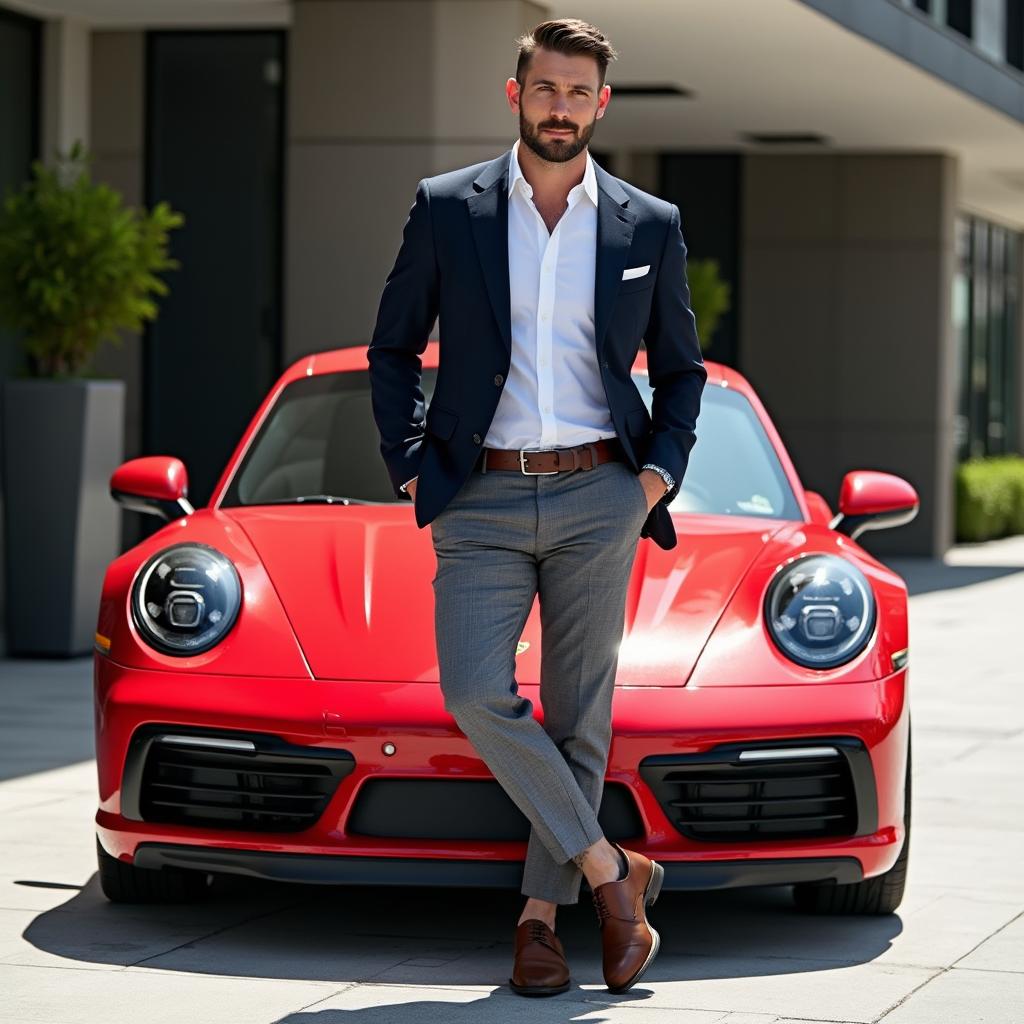
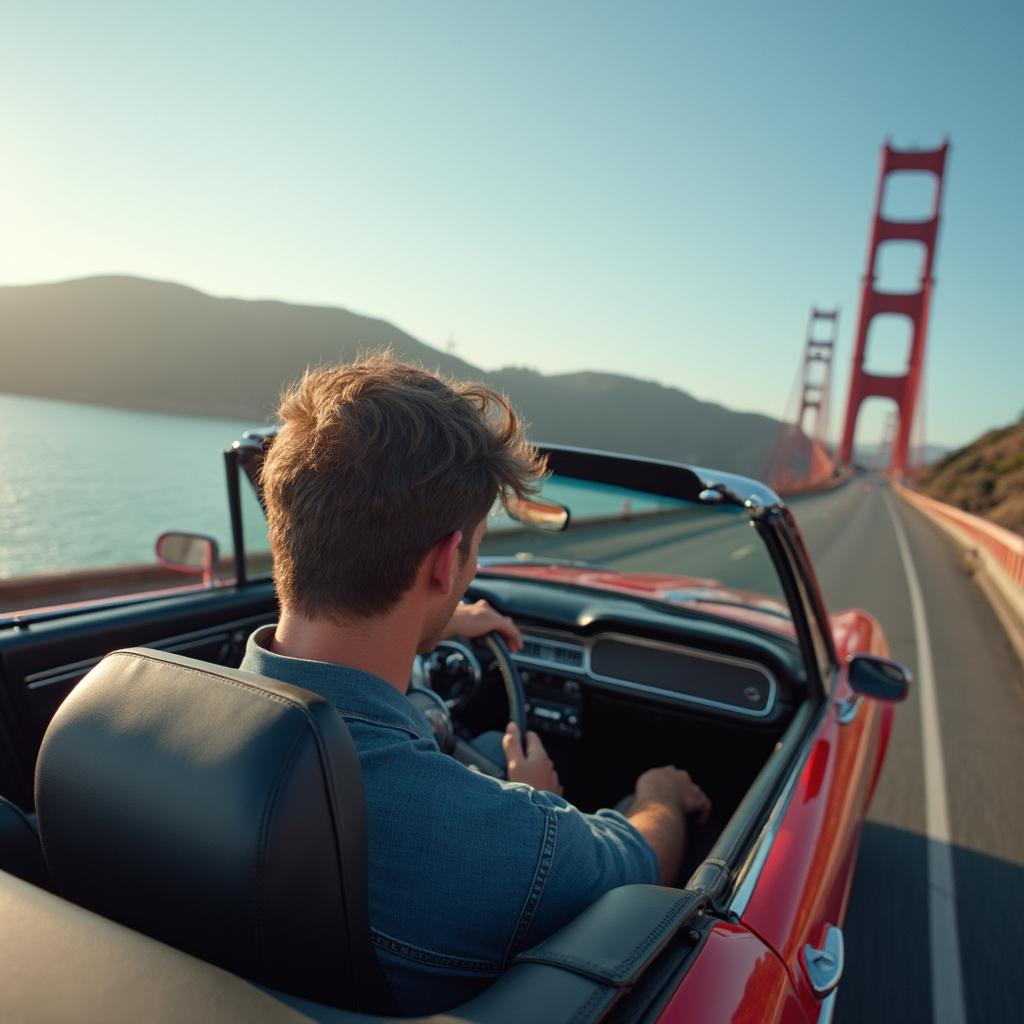
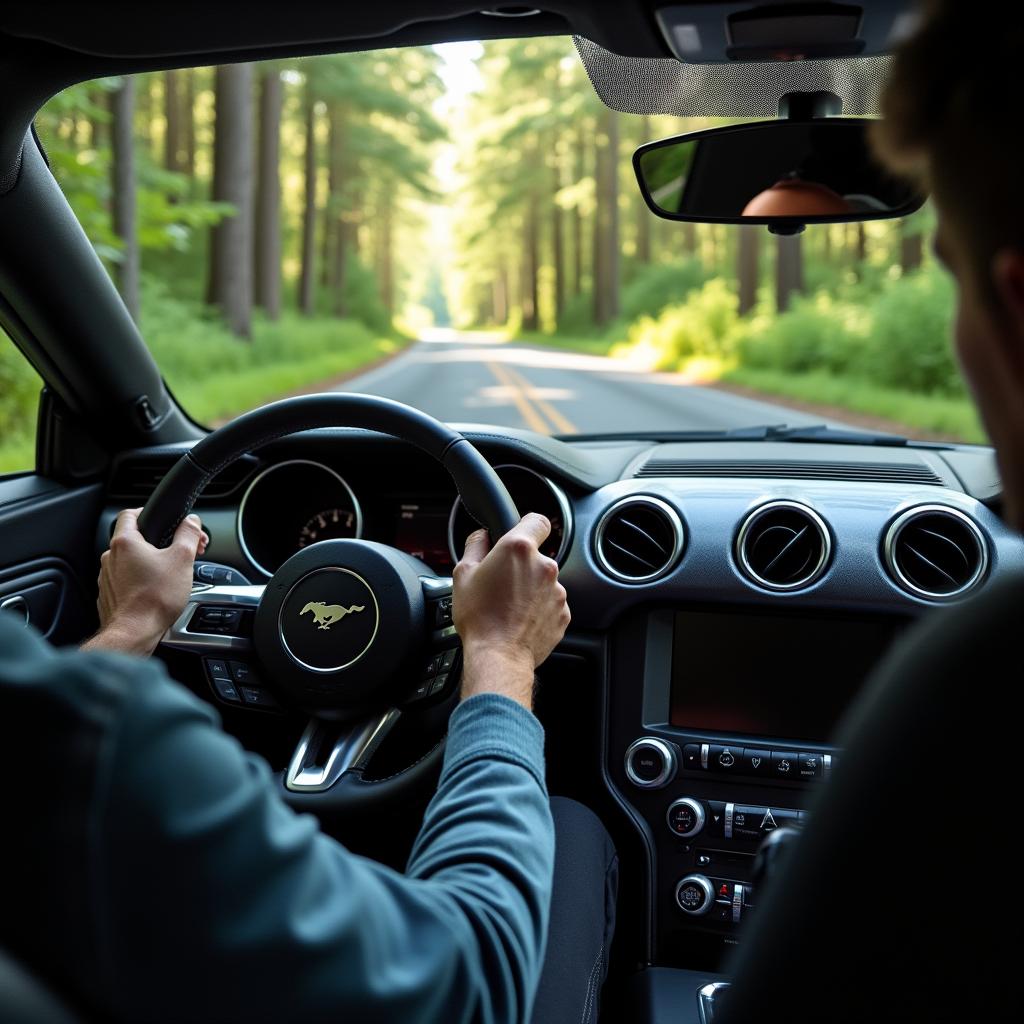
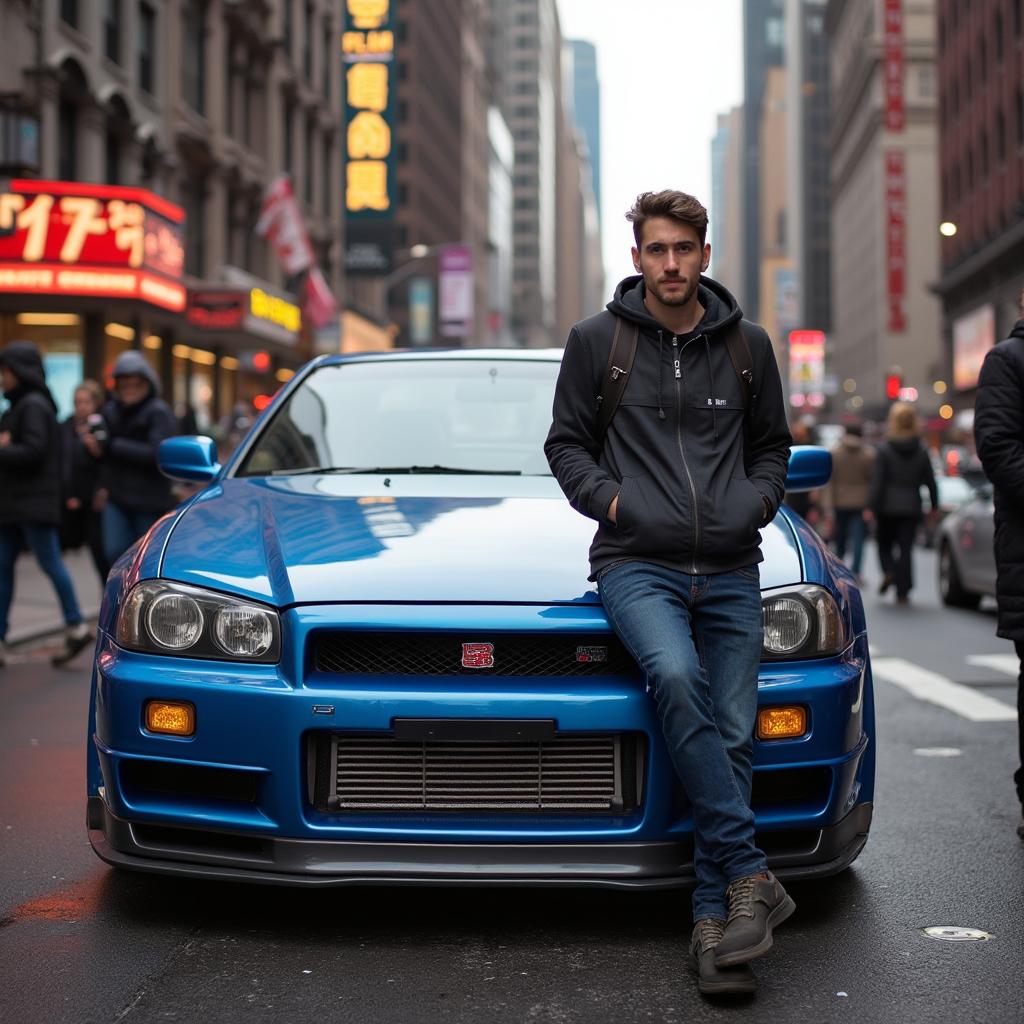
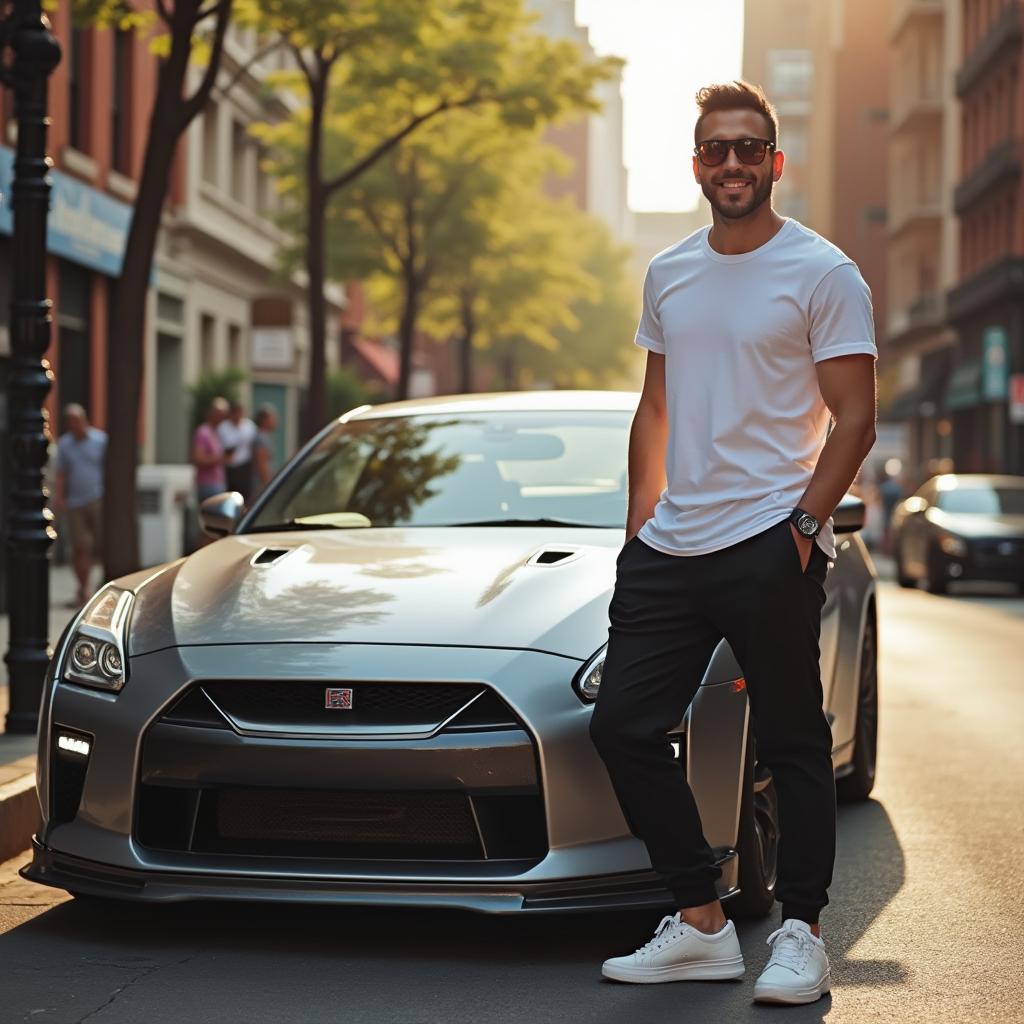
Examples made with this tool

How it works
- Step 1
Shoot where the car stands
No studio and no backdrop. A three-quarter angle in even light is enough; the surroundings are what gets replaced.
- Step 2
Pick one look and keep it
Showroom floor, studio sweep, or a neutral exterior. Using the same one across the lot is what makes a listing page look professional.
- Step 3
Publish
High resolution, unwatermarked, ready for a listing site, a dealer page or a marketplace ad.
Frequently asked questions
- What is automotive photo editing?
- Taking the photo you can get — a car on a forecourt, in a yard, under a grey sky — and turning it into something that looks shot on purpose: even light, clean ground, a consistent background.
- Can I keep every listing looking the same?
- That is the point of choosing one look and applying it to the whole lot. Consistency across a listing page reads as a professional operation more than any single photo does.
- Do I need a photographer or a studio?
- No. Photograph the vehicle where it stands, in even light, with the whole car in frame. Everything around it is what the edit replaces.
- Is this allowed in vehicle listings?
- Presenting the vehicle in better surroundings is normal practice. Using an edit to conceal damage, wear or a defect from a buyer is fraud — and most marketplaces will remove a listing and the account behind it.
- How long does one photo take?
- About a minute, and each runs independently, so a batch is limited by your patience rather than by a queue.
- What does it cost?
- Each generation comes off your Reelina credit balance and the exact cost is shown before you press Generate. One balance covers every model in the workspace.
- Is it free?
- No — Reelina runs on paid credits. We show what a generation costs before you run it rather than advertising a free tier we do not have.
- What happens to the photos?
- They are used only to make your results. Creations are private by default, and everything is deleted seven days after it is generated.
Every model, one balance
No watermarks, full resolution, and every leading AI model on one credit balance — create right in your browser.
Get StartedRelated tools
Car Photo Editor
Fix the photo you already took. Bad light, a cluttered driveway, a grey sky — upload it and get the car back looking like it was shot properly.
AI Car Photo Editor
Put the car in a showroom, on a wet city street, or under studio light. Upload a photo of it and get the shoot the dealership would have paid for.
AI Portrait Generator
Turn one photo into a styled portrait — editorial, cinematic or fashion, in about a minute.
What people make with Reelina
All AI tools →- AI Aging Filter
- AI Age Progression
- AI Engagement Photos
- AI Dating Photos
- AI Fashion Model Generator
- Looking for a Remini Alternative?
- Looking for a Higgsfield Alternative?
- Looking for a Sora Alternative?
- Looking for an LTX Studio Alternative?
- Looking for a Dreamina Alternative?
- Looking for a Lensa Alternative?
- AI Dance Video Generator
- AI Image to Video
- Text to Video AI
- AI Headshot Generator
- AI Portrait Generator
- AI Hairstyle Changer
- AI Tattoo Generator
- AI Outfit Changer
- AI Maternity Photoshoot
- AI Christmas Card Generator
- AI Wedding Photo Generator
- AI Couple Photo Generator
- AI Car Photo Editor
- See Yourself Younger
- See Yourself as a Baby
- What Would Our Baby Look Like
- Caricature Maker
- Anime Filter
- Real Estate Photo Editing
- Cartoon Yourself
- Pop Art Generator
- Action Figure Generator
- Magazine Cover Generator
- AI Product Photo Generator
- AI Photo Restoration
- Colorize Black and White Photos
- Looking for a Kling AI Alternative?
- Looking for a Veo 3 Alternative?
- Looking for a PixVerse Alternative?
- Looking for a Hailuo AI Alternative?
- AI Birthday Photo
- AI Pet Portrait
- Royal Portrait Generator
- AI Selfie Generator