
AI Selfie Maker
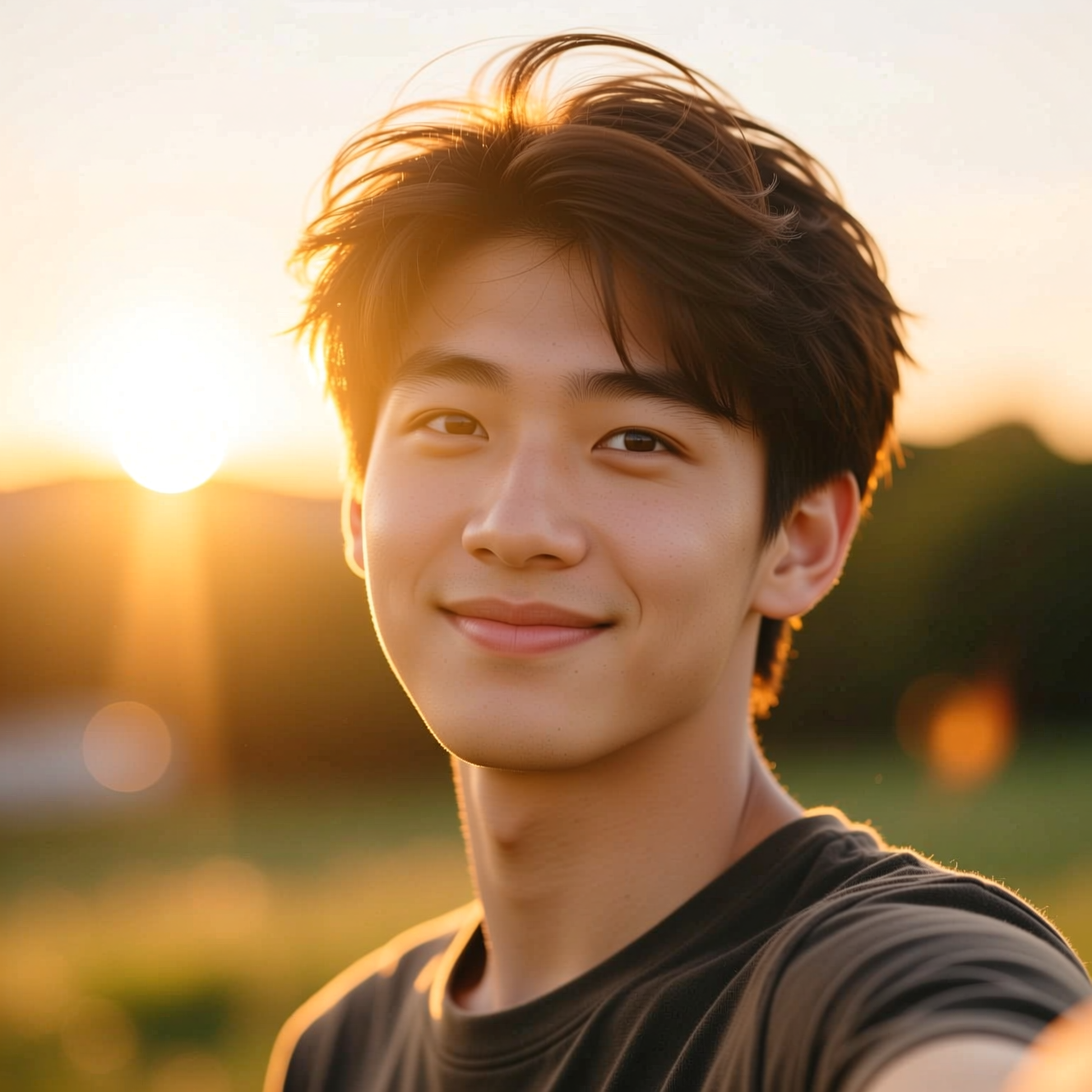
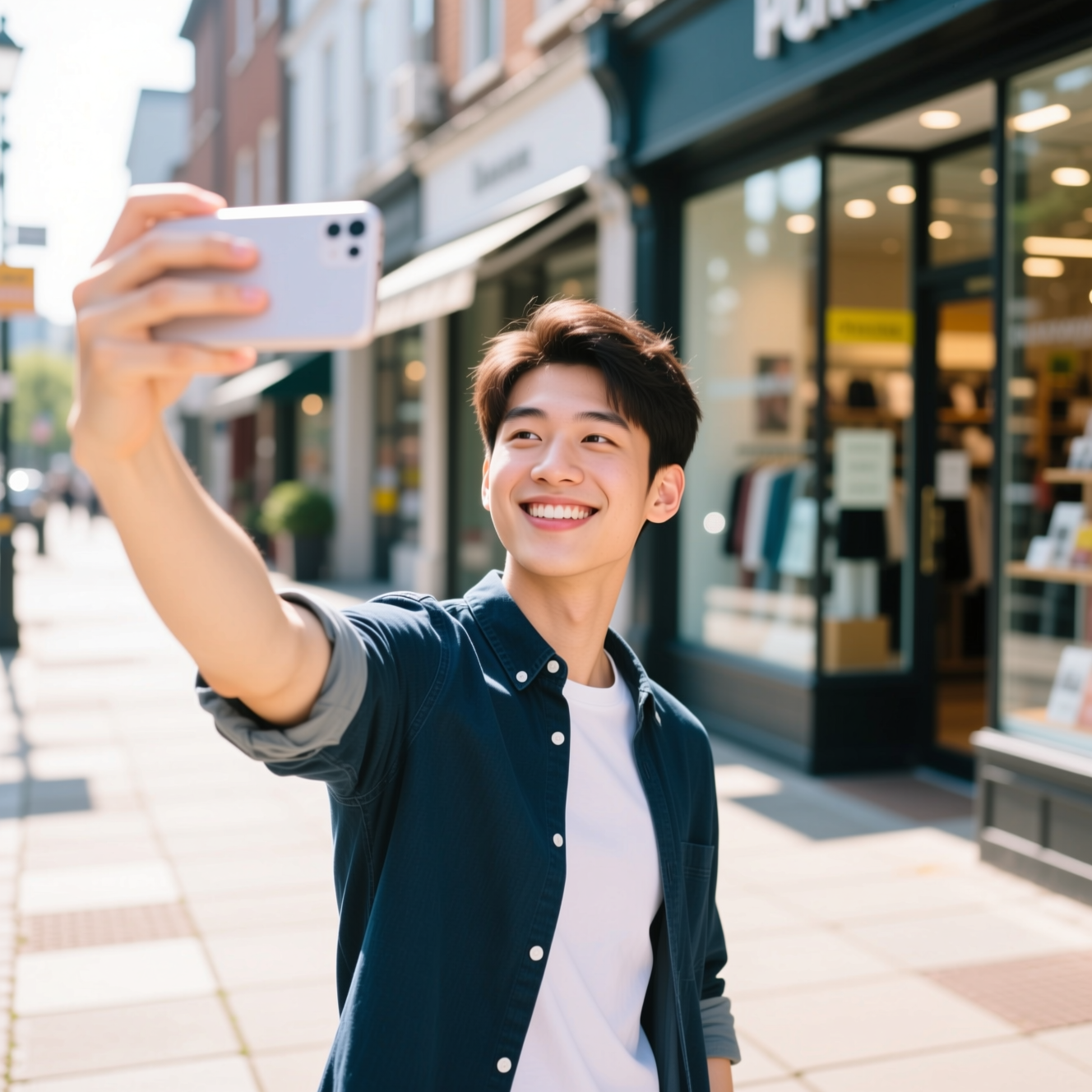
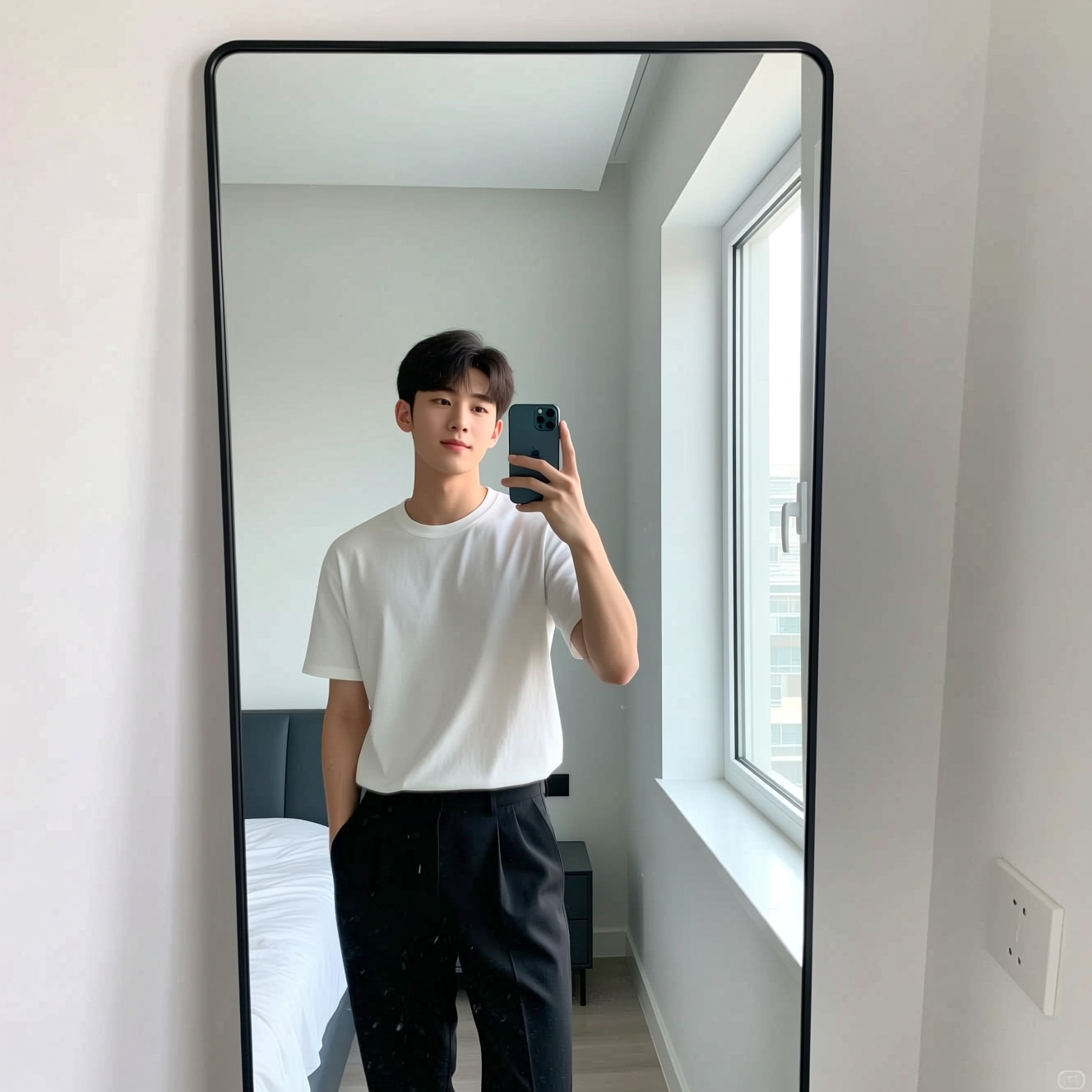
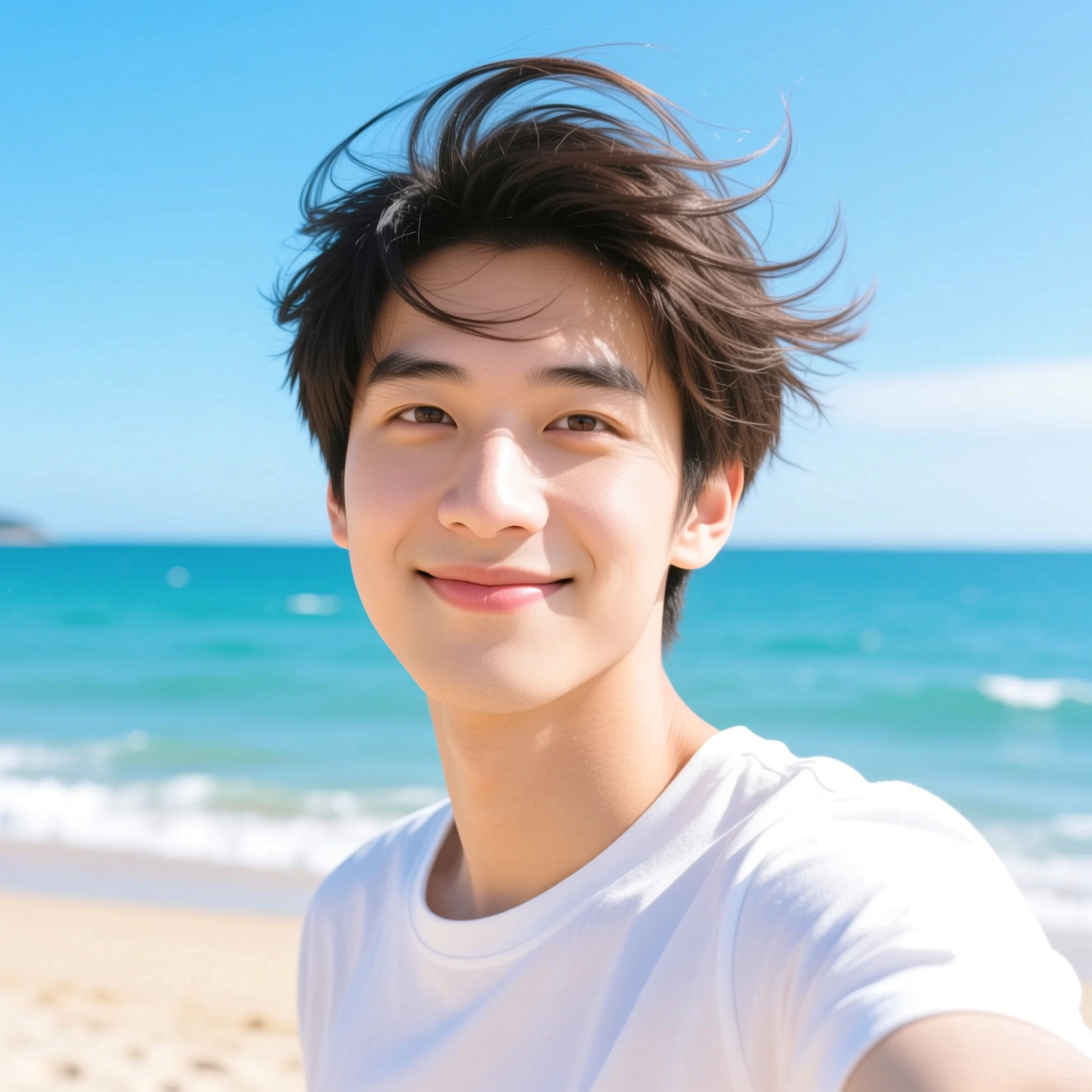
One photo in, a selfie worth posting out. Golden hour, city street, beach or studio — the light changes, your face does not.
Examples made with this tool
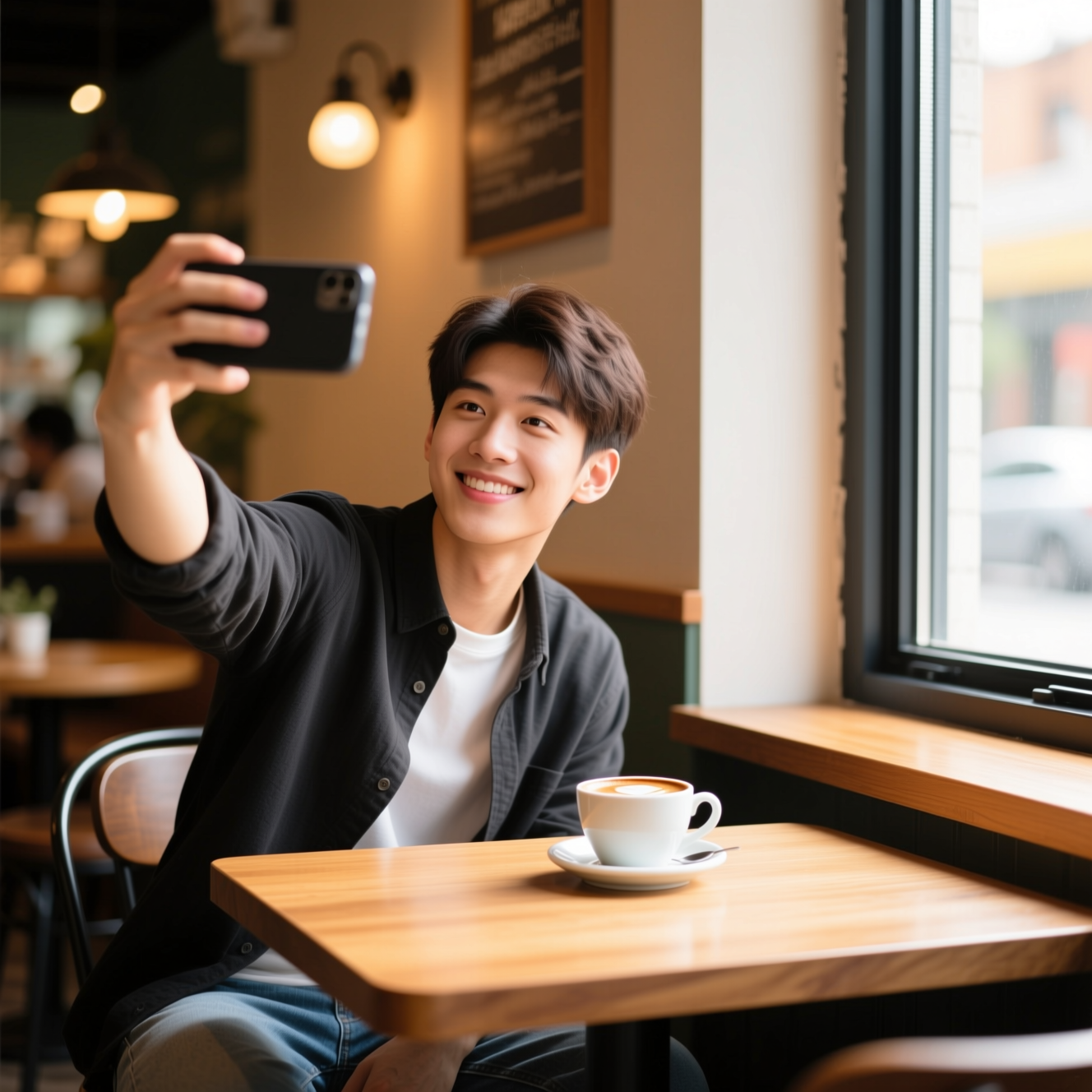
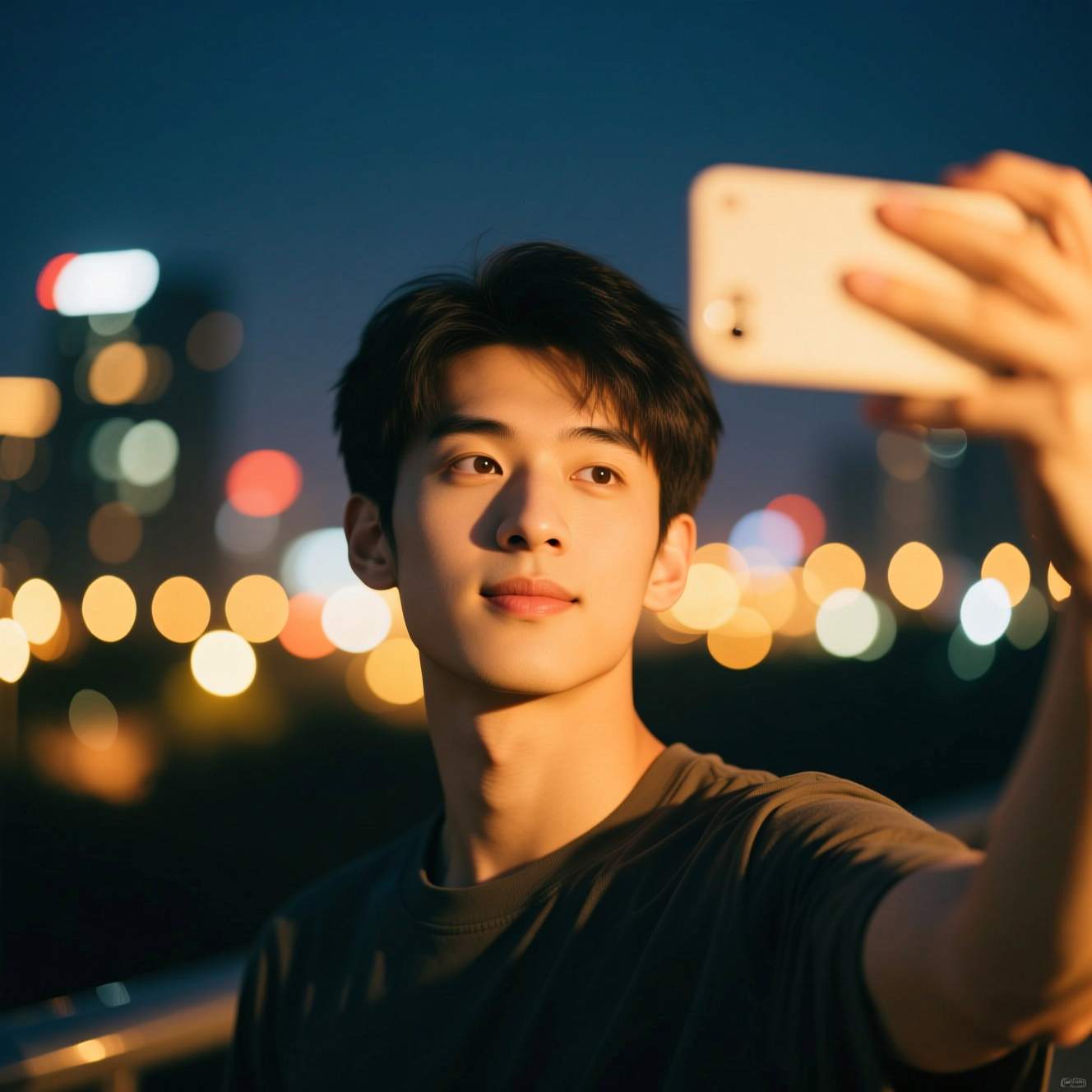
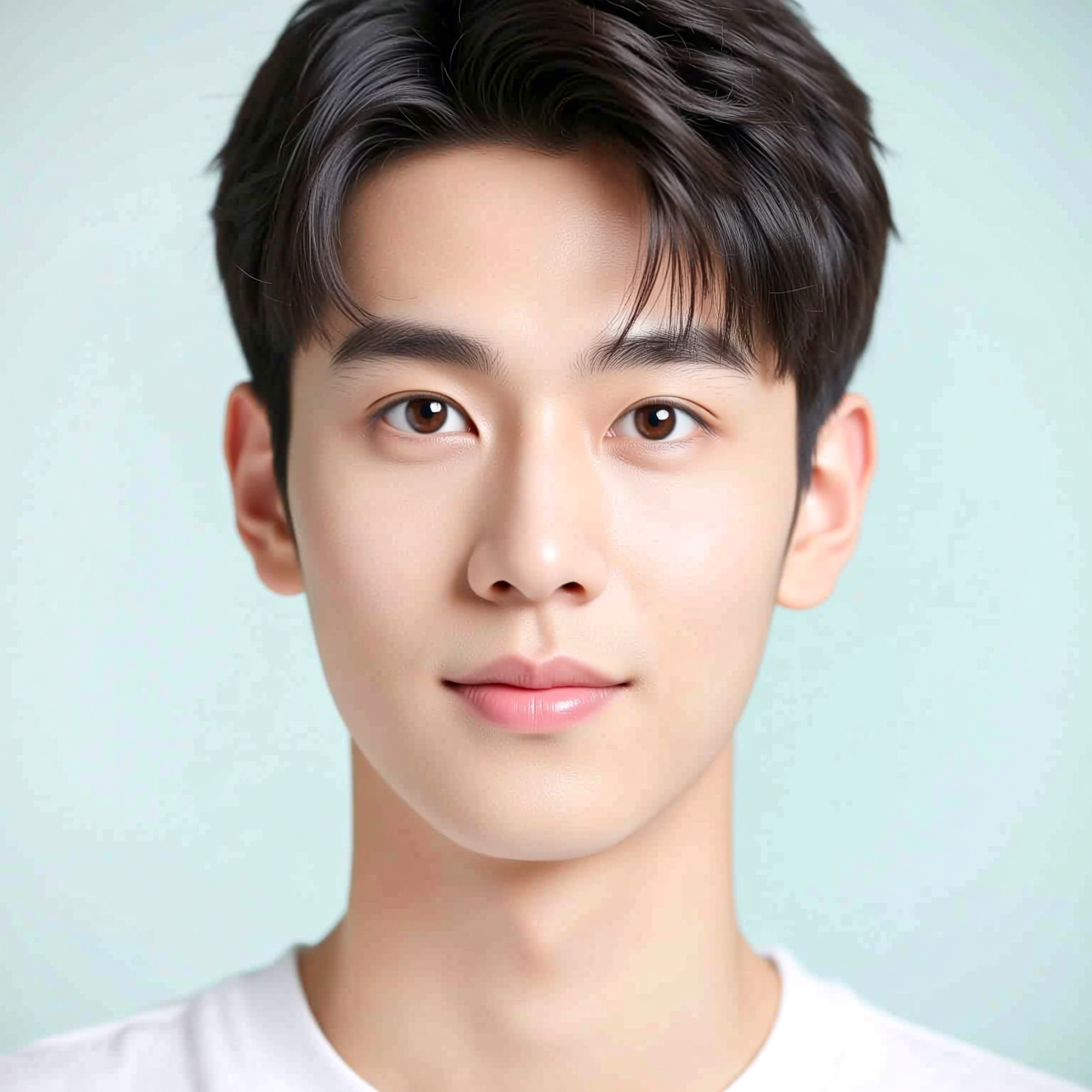
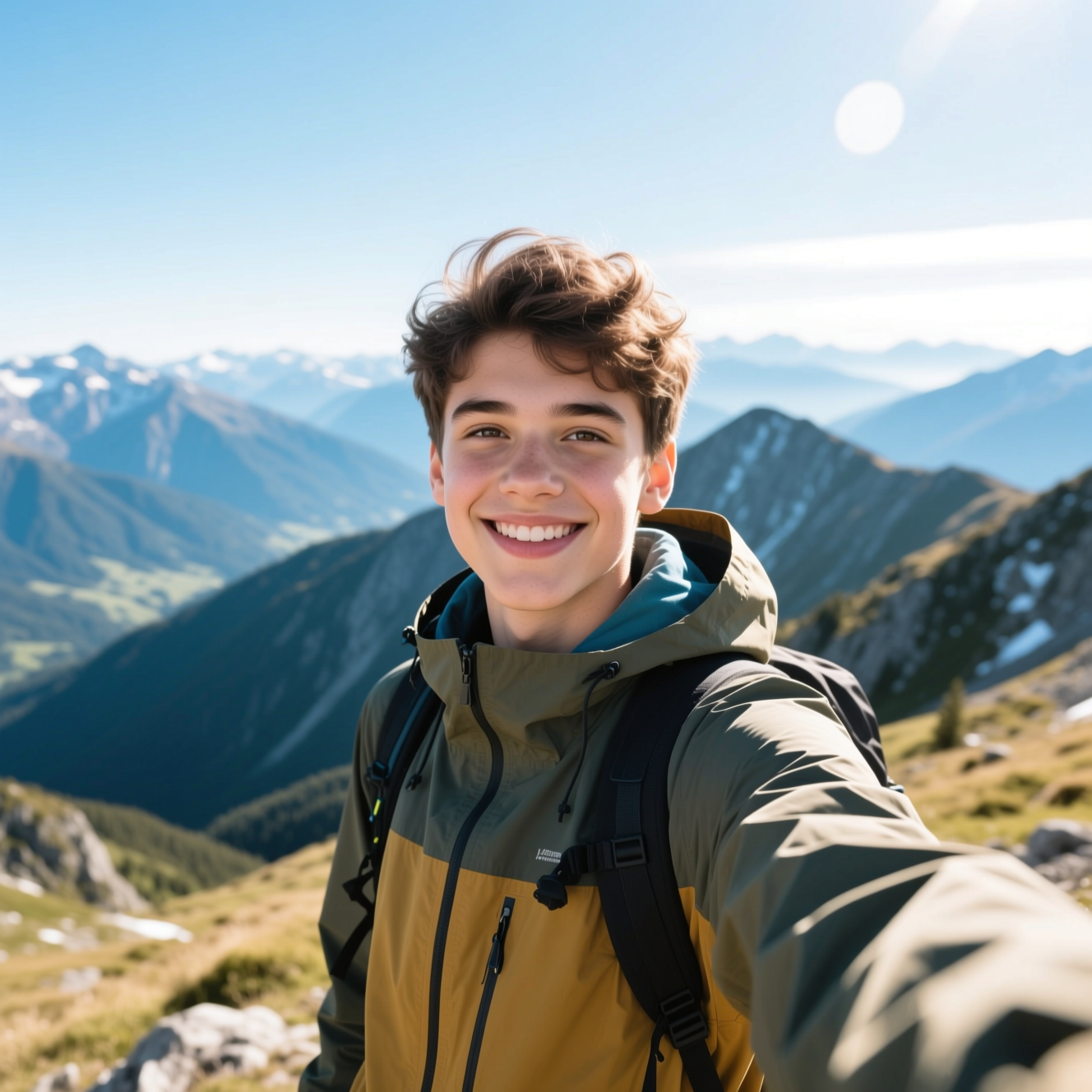
How it works
- Step 1
Upload one photo
Any clear photo of your face. Bad lighting is what this fixes, so a badly lit one is a fair test.
- Step 2
Pick the setting
Golden hour, city street, mirror, beach, cafe, night out, studio or mountain. Each is a different light, not a different you.
- Step 3
Keep the one that works
Results arrive in seconds, so run a few and choose. Each shows its cost before it runs.
The model behind it
Wan-2.7 Pro Image-to-image by Qwen
34 coins per image ($0.34 on the US entry plan; prices vary by country), shown before you press the button.
Frequently asked questions
- Does it change my face?
- No. Light, focus, colour and setting are rebuilt; your features and expression stay. That is the difference between this and a beauty filter — and it is why people still recognise you.
- How many photos do I need?
- One. There is no model to train and nothing to wait for.
- Can I use it for a profile picture?
- It is the most common reason people run it. Output from your account is yours to use, including commercially.
- What if the result looks wrong?
- Run it again — each run varies. If a particular setting never works for your photo, a different one usually does.
- How much does it cost?
- Coins, shown before you press Generate. Photo apps cost less than video. There is no free tier.
- What happens to my photo?
- It produces your result and sits in your own library, which only you can see. Everything is deleted seven days after it is generated.
Every model, one balance
No watermarks, full resolution, and every leading AI model on one coin balance — create right in your browser.
Get StartedGuides
Best AI Photo Generator for Instagram in 2026
Discover how AI photo generators help creators produce stunning Instagram photos, lifestyle portraits and viral content without expensive photoshoots.
AI Portrait Generator: Create Studio-Quality Portraits From Your Photos
Learn how AI portrait generators create stunning studio-quality portraits from selfies and discover the best ways to generate professional-looking images.
What Is an AI Photo Generator and How Does It Work?
Discover how AI photo generators work, how they transform selfies into stunning portraits, and why millions of people use AI photography tools every day.
How to Turn Selfies Into Professional Photos Using AI
Discover how AI can transform ordinary selfies into professional portraits, business headshots and social media photos without expensive photoshoots.
Related tools
What people make with Reelina
All AI tools →- AI Aging Filter
- AI Age Progression
- AI Engagement Photos
- AI Dating Photos
- AI Fashion Model Generator
- Looking for a Remini Alternative?
- Looking for a Higgsfield Alternative?
- Looking for a Sora Alternative?
- Looking for an LTX Studio Alternative?
- Looking for a Dreamina Alternative?
- Looking for a Lensa Alternative?
- AI Dance Video Generator
- AI Image to Video
- Text to Video AI
- AI Video Generator
- AI Headshot Generator
- AI Portrait Generator
- AI Hairstyle & Hair Color Changer
- AI Tattoo Generator
- AI Outfit Changer
- AI Maternity Photoshoot
- AI Christmas Card Generator
- AI Wedding Photo Generator
- AI Couple Photo Generator
- AI Car Photo Editor
- See Yourself Younger
- See Yourself as a Baby
- What Would Our Baby Look Like
- Caricature Maker
- Anime Filter
- Real Estate Photo Editing
- Cartoon Yourself
- Pop Art Generator
- Action Figure Generator
- Magazine Cover Generator
- AI Product Photo Generator
- AI Photo Restoration
- Colorize Black and White Photos
- Looking for a Kling AI Alternative?
- Looking for a Veo 3 Alternative?
- Looking for a PixVerse Alternative?
- Looking for a Hailuo AI Alternative?
- AI Birthday Photo
- AI Pet Portrait
- Royal Portrait Generator
- AI Selfie Generator